The emergency stop has to work
Startle will not enable scheduled playback unless the global emergency shortcut registers first. Escape closes the current video. Command–Option–Shift–Escape closes it and turns future scares off.
Choose an assistant to ask about my work.
Opens an external service. AI answers can be inaccurate.
Native macOS / Pre-release
A menu bar app that plays local videos on a schedule. The hard part was not the timer. It was making every interruption safe and easy to stop.
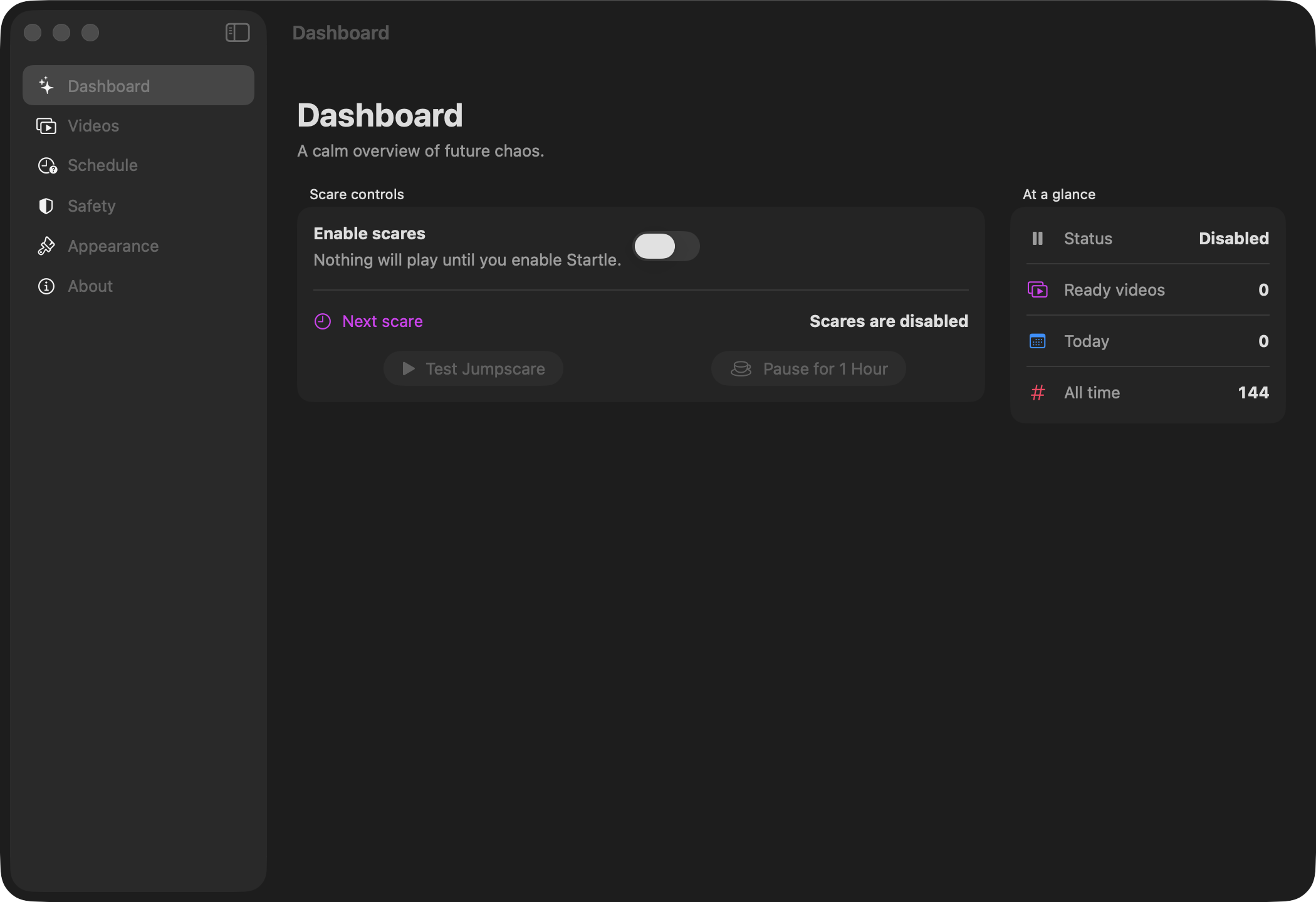
Here is how one scheduled scare moves through the app. Each step links to the code that handles it.
Choose fixed intervals, random intervals, or chance-based checks, then limit them to certain days and hours.
ScheduleEngine.swiftThe scheduler checks pauses, cooldowns, limits, and system activity. It runs one last safety check before the window appears.
ScareCoordinator.swiftEscape closes the video. The emergency shortcut closes it and disables future scares. Startle records the result locally.
AppState.swiftStartle plays videos you choose from your own Mac. It supports random, fixed, and chance-based schedules, active windows, cooldowns, daily limits, and temporary pauses.
The app is supposed to interrupt you, which makes control the whole problem. Every scare needs an obvious way out, and the app should skip playback when the signals macOS provides say it is a bad time.
Startle will not enable scheduled playback unless the global emergency shortcut registers first. Escape closes the current video. Command–Option–Shift–Escape closes it and turns future scares off.
The app checks active hours, cooldowns, daily limits, pauses, excluded apps, and system activity when it schedules a scare. Then it checks everything again right before playback.
macOS does not always expose Focus state or third-party screen sharing reliably. The app says that plainly instead of pretending those checks are foolproof.
Your videos stay where you put them. Startle keeps security-scoped bookmarks, settings, and a limited activity history on your Mac. It does not copy or upload media, and it has no analytics, ads, or telemetry.
Startle is still pre-release. You can build it from source or try an unsigned preview, but I am not calling it a trusted download until the packaged app is signed with Developer ID, notarized, and tested as a package.